
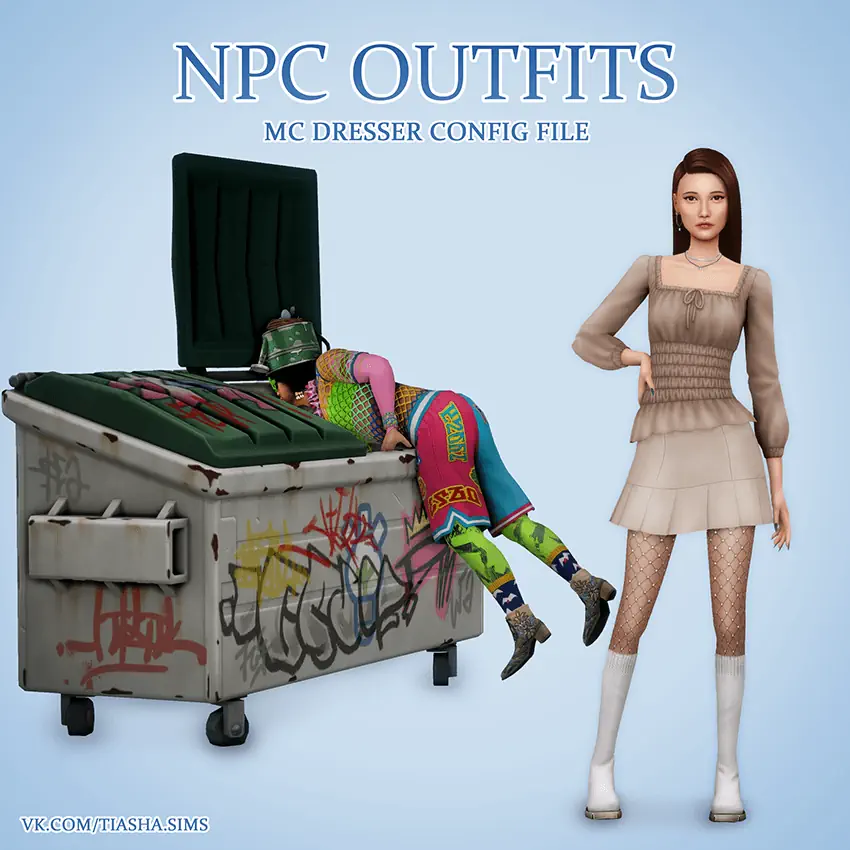


NPC Outfits MC Dresser Config
PC Outfits MC Dresser Config File is made for players who are tired of strange townie fashion. Instead of letting newly generated NPCs appear in random mixed outfits, this file gives MC Command Center a large set of saved looks to choose from.
It does not replace CAS items or change the whole game system. It works through MC Dresser and focuses on better outfit generation for new Sims.
Cleaner Townies Without Manual Editing
The config includes over 12,500 curated outfits for different ages and genders. Infants, toddlers, children, teens, adults, and elders all have their own outfit pool, so the results feel more balanced across a full save.
One useful detail is that rings are removed from outfits. This helps avoid conflicts with custom eyelashes, which is a common problem in modded games.
By default, the file affects newly generated NPCs only. Existing Sims will stay the same unless you apply outfits manually through MC Command Center or change extra MCCC settings.
NPC Outfits MC Dresser Config File requires MC Command Center and all DLCs.
Available Files
Need help? Read our Sims 4 mod installation guide.
How to Install Sims 4 Mods & CC
- Download the file.
- Unzip the archive if needed.
- Move .package or .ts4script files to Documents/Electronic Arts/The Sims 4/Mods.
- Enable Custom Content and Script Mods in the game settings.
- Restart the game.
Comments