
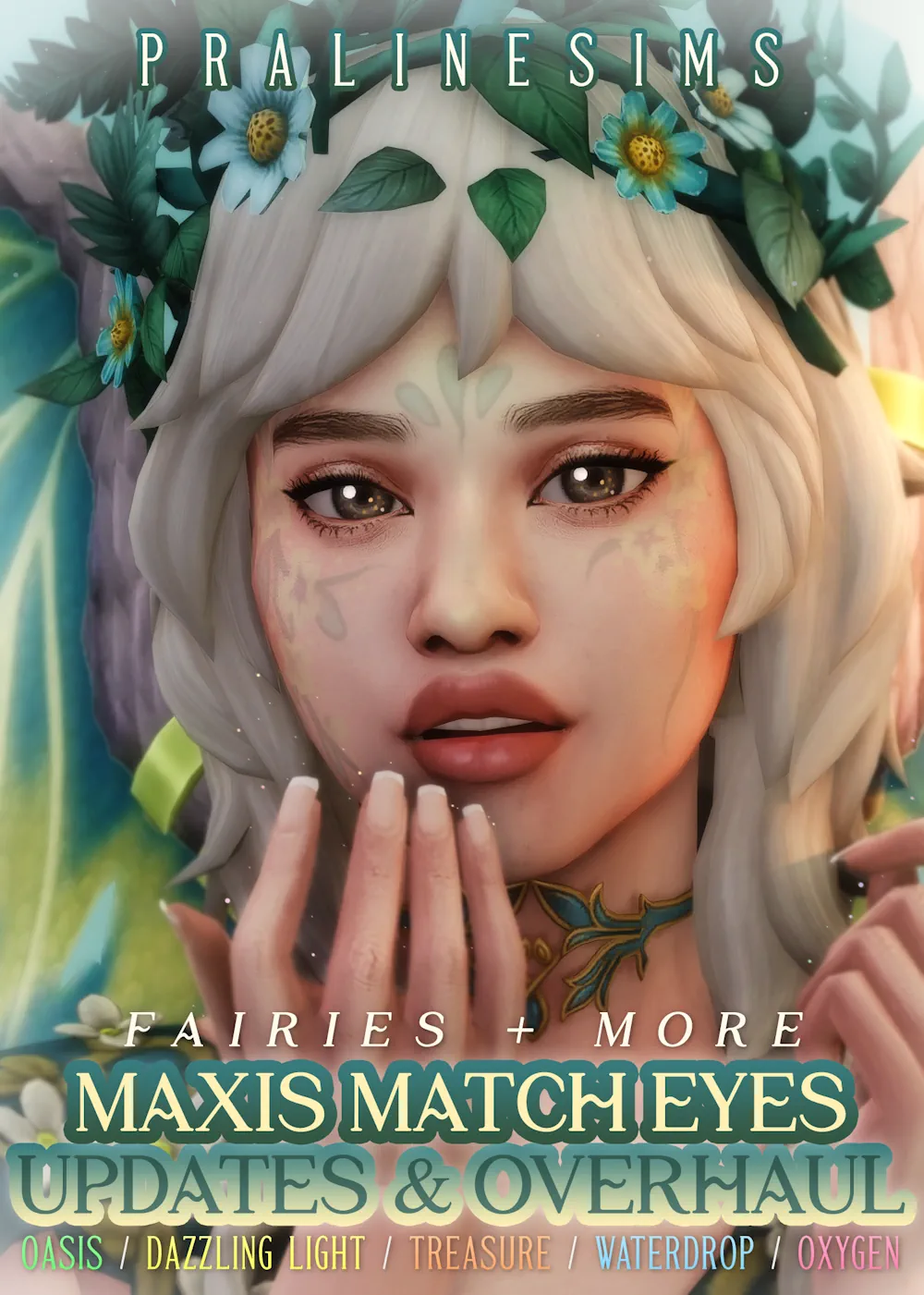

Oasis Maxis Match Eyes
Sims 4 Oasis Maxis Match Eyes is a clean eye CC set for players who want soft, simple, and game-friendly eyes in CAS. It keeps the Maxis Match style, so the eyes do not look too sharp or too realistic next to regular Sims 4 faces.
This is a good pick if you like natural Sims, soft colors, and CC that blends with the base game look. The eyes feel smooth, bright, and easy to use for many different Sims, from casual everyday characters to more styled looks.
Soft Eyes for Everyday Sims
The Oasis eyes have that simple Maxis Match feeling. They do not take over the whole face, but they still make the Sim look more detailed. That is what makes them useful for normal gameplay, screenshots, family saves, and CAS makeovers. They can work well with light makeup, soft skin details, simple hairstyles, and clean outfits. If your CC folder is mostly Maxis Match, these eyes should fit in without looking out of place. You can use them for many types of Sims: - natural everyday Sims - soft CAS makeovers - family gameplay characters - clean Maxis Match looks - simple screenshots and portraits
Why This Eye CC Is Nice to Have
Some eye CC looks too shiny or too alpha, but this one stays closer to the Sims 4 style. The colors look softer, and the design does not feel heavy. It gives your Sims a fresh look without making them look like a totally different game. This BASE version is the simple option to download if you only need the main Oasis eyes. It is not the extra occult, animal, or event reward version, so it is easier to keep your download folder clean.
Available Files
Need help? Read our Sims 4 mod installation guide.
How to Install Sims 4 Mods & CC
- Download the file.
- Unzip the archive if needed.
- Move .package or .ts4script files to Documents/Electronic Arts/The Sims 4/Mods.
- Enable Custom Content and Script Mods in the game settings.
- Restart the game.
Comments