


Better Computer Games
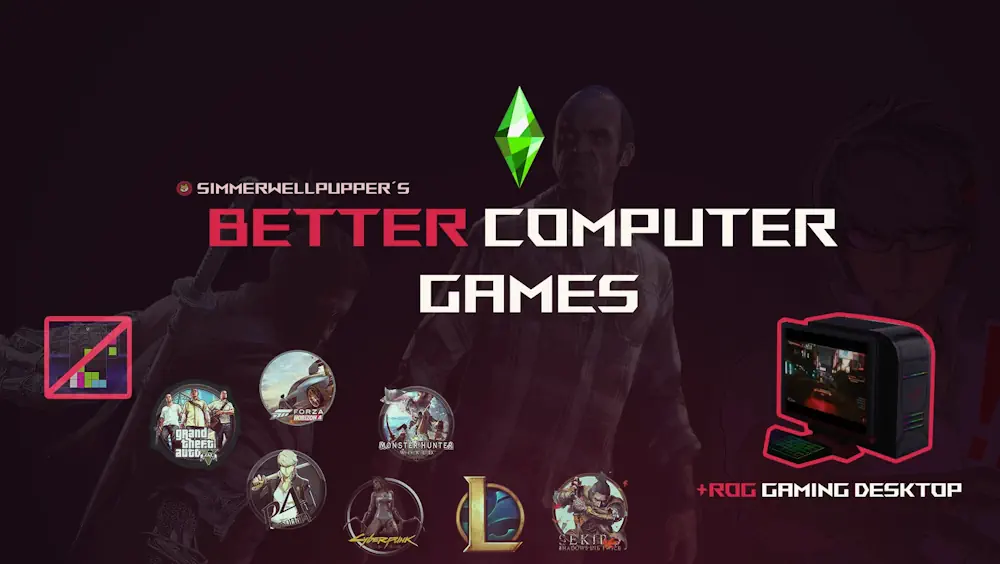
Better Computer Games gives your Sims a more familiar way to spend time at the computer. Instead of the usual made-up game names, this mod replaces them with titles inspired by popular PC games such as GTA 5, Cyberpunk 2077, League of Legends, Persona 4 Golden, and more.
It is a simple change, but it makes bedrooms, gaming corners, and streamer setups feel more believable. Your Sim still uses the normal computer interactions, but the text, game choices, and small details now have a stronger modern gaming feel.
Familiar Games on Every Computer
The mod replaces seven default computer games while keeping the original system easy to use. Your Sim can play different titles through the normal computer menu, and the package also updates related text for streaming, tournaments, modding, and whims.
Included replacements feature:
- GTA 5
- Persona 4 Golden
- Cyberpunk 2077
- League of Legends
- Forza Horizon 4
- Sekiro: Shadows Die Twice
- Monster Hunter: World
There are no new complex mechanics or special moodlets. It is mainly a visual and text-based overhaul for players who want the computer menu to feel less generic.
ROG Gaming Computer With All Games Open
The pack also includes a retextured ROG gaming computer available in Buy Mode. This version gives your Sims access to all included games straight away.
When using other computers, some games may still require higher Gaming or Programming skill before they appear. The ROG computer is useful for Sims who are meant to be serious gamers, streamers, or tech fans from the beginning of the save.
Better Computer Games fits nicely into teen bedrooms, apartments, gaming rooms, and modern home offices. It adds a small detail that can make everyday computer time feel more personal for your Sims.
Available Files
Need help? Read our Sims 4 mod installation guide.
How to Install Sims 4 Mods & CC
- Download the file.
- Unzip the archive if needed.
- Move .package or .ts4script files to Documents/Electronic Arts/The Sims 4/Mods.
- Enable Custom Content and Script Mods in the game settings.
- Restart the game.




Comments