
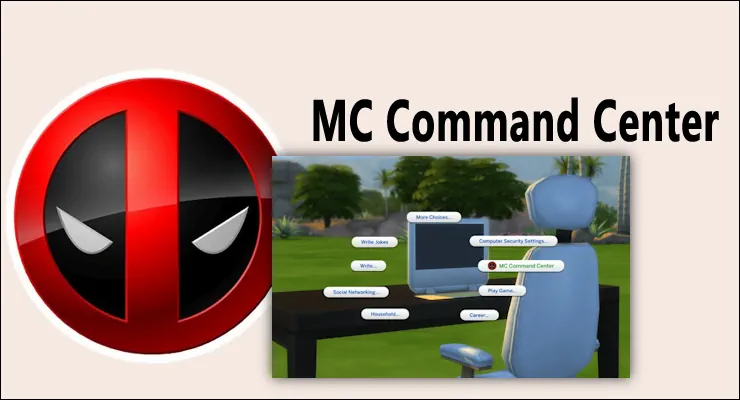


MC Command Center for Better Sims Control
MC Command Center is one of those Sims 4 mods that feels almost essential once you start using it. Instead of playing only with the basic game settings, you get much more control over your save, your Sims, and how the world around them behaves.
The main idea is simple - the mod adds story progression and many useful settings that are missing from the base game. You can fine-tune different parts of your gameplay, change how households work, manage Sims more easily, and make your save feel more alive.
It is not just one small feature. MC Command Center works more like a big control panel for The Sims 4. Some players use it only for small fixes, while others use it to fully adjust their game style.
What Makes This Mod Useful
With MC Command Center, you can change many gameplay details without needing to edit everything by hand. It can help with population, relationships, households, pregnancy settings, aging, careers, and other parts of the world.
The best part is that the mod is modular. This means you can keep the parts you need and remove modules you do not want to use. So your setup can stay simple, or you can make it more advanced if you like deeper control.
For long saves, this mod is especially helpful. It gives the world more movement and helps Sims outside your active household feel less frozen.
MC Command Center is a strong choice if you want your game to feel less limited. It does not replace the normal Sims 4 gameplay, but it gives you more options behind the scenes. For many players, it becomes a normal part of every new save.
Available Files
Need help? Read our Sims 4 mod installation guide.
How to Install Sims 4 Mods & CC
- Download the file.
- Unzip the archive if needed.
- Move .package or .ts4script files to Documents/Electronic Arts/The Sims 4/Mods.
- Enable Custom Content and Script Mods in the game settings.
- Restart the game.




Comments