
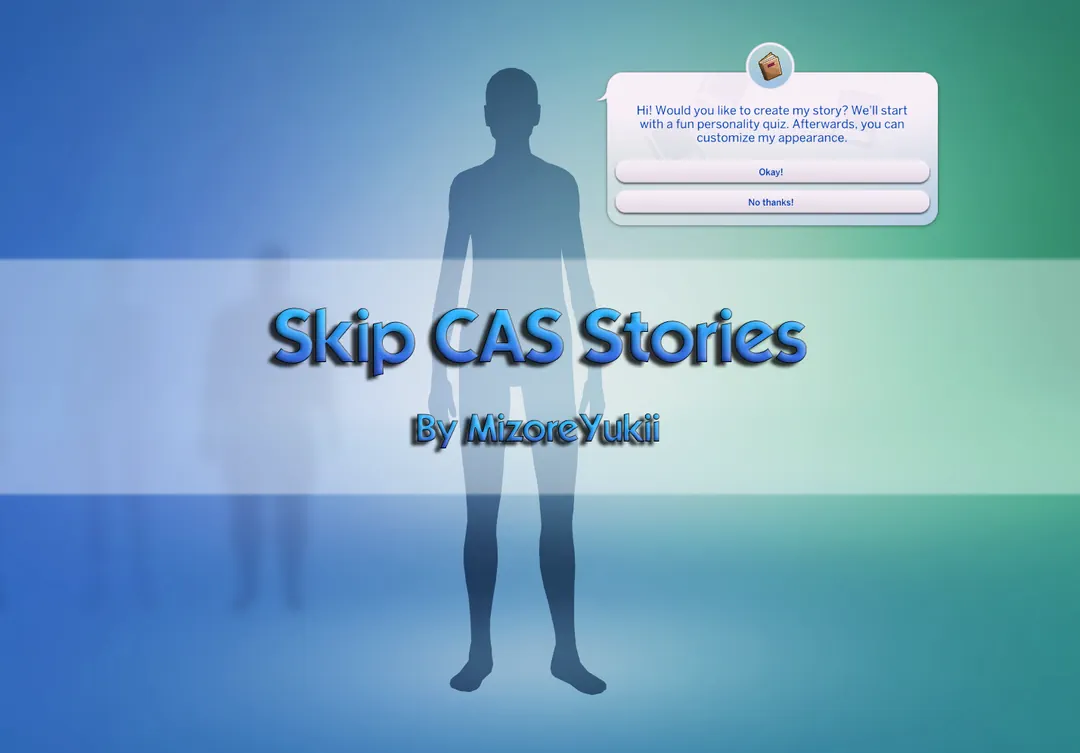

Skip CAS Stories Mod
The Skip CAS Stories Mod is a small but very useful Sims 4 UI mod for players who want to enter Create a Sim faster. Instead of showing the CAS Stories popup when you start a new game, the mod sends you straight into the normal CAS editor.
This is especially helpful if you create Sims often, test custom content, make screenshots, or simply do not like clicking through the same popup every time.
A Simple Fix for a Small CAS Annoyance
CAS Stories can be fun when you want random traits and a quick character idea, but not every player uses it. Sometimes you just want to open CAS, choose clothes, test hair, check makeup, or build a Sim from scratch.
With this mod, the first CAS Stories screen is skipped automatically. You still keep the normal Create a Sim experience, but the extra popup is removed from the start of a new save.
The mod does not remove CAS Stories completely. You can still use the feature when adding more Sims later, so it is more like a cleaner start than a full removal.
Available Files
Need help? Read our Sims 4 mod installation guide.
How to Install Sims 4 Mods & CC
- Download the file.
- Unzip the archive if needed.
- Move .package or .ts4script files to Documents/Electronic Arts/The Sims 4/Mods.
- Enable Custom Content and Script Mods in the game settings.
- Restart the game.
Comments