

MC Command Center
MC Command Center, usually called MCCC, is one of the most useful mods for The Sims 4. It is not a small add-on that changes one object or one interaction. This mod gives you a full control panel for your save, your Sims, NPC families, pregnancy, townies, careers, outfits, population, and many other parts of the game.
The main reason players use MCCC is control. The Sims 4 can feel too static sometimes. Families do not always move forward, townies can look strange, NPC households can stay frozen for years, and simple fixes often require cheats. MC Command Center helps with all of that in one place.
You do not need to understand every setting right away. It is better to treat MCCC like a toolbox. Use the parts you need first, then slowly explore the rest when you feel more comfortable.
What Does MC Command Center Do?
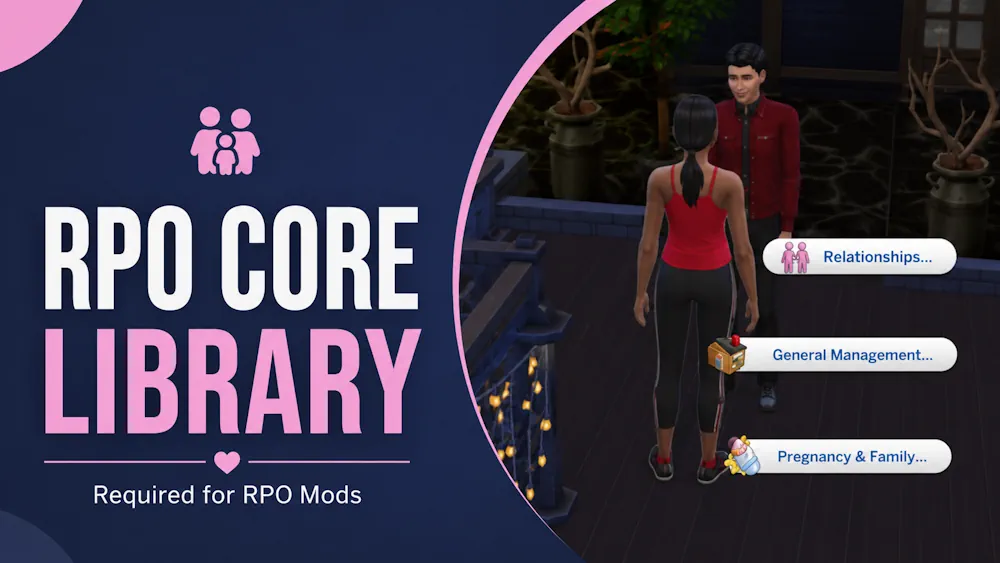
MCCC adds new menus to computers, Sims, and mailboxes. Through these menus, you can change both small personal details and big world settings. Some options affect only one Sim. Other settings affect the whole save.
For example, you can use it to manage NPC pregnancy, allow background marriage, change household size, clean up townie outfits, adjust relationships, check pregnancy, control career settings, edit flags, fix broken Sims, and set up automatic saves.
That is why MCCC is popular with many different players. Legacy players use it for family progression. Story players use it for control. Builders and CAS players use it to clean up townies. Normal players use it because it makes The Sims 4 easier to manage.
How to Use MCCC In Game
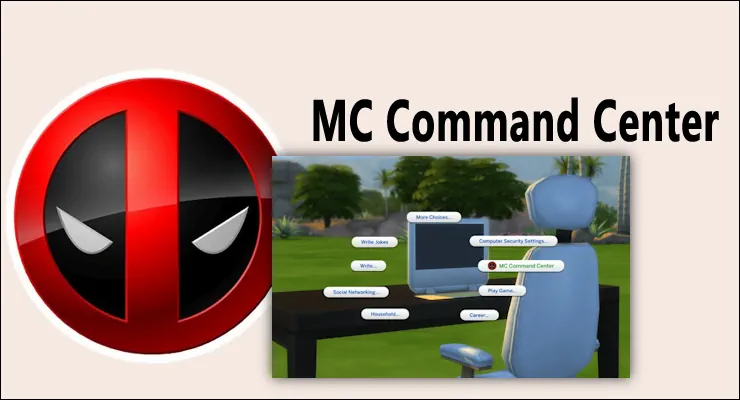
There are three common ways to open MC Command Center:
- Click on a computer - best place for main settings.
- Click on a Sim - best for Sim-specific actions.
- Click on a mailbox - useful for cheat-style world options.
If you are changing global settings, start from a computer. This is where you will find things like pregnancy settings, population rules, cleaner options, dresser settings, career settings, and other save-wide controls.
If you want to change or check one Sim, click directly on that Sim and open the MC Command Center menu. This is useful for relationships, pregnancy information, occult details, flags, and personal fixes.
You can also use commands through the cheat box. Press Ctrl + Shift + C and try these:
- mc_settings - opens the main settings menu
- mccc - opens the Sim menu
- mc_cheats - opens mailbox-style cheats
Main MCCC Modules Explained
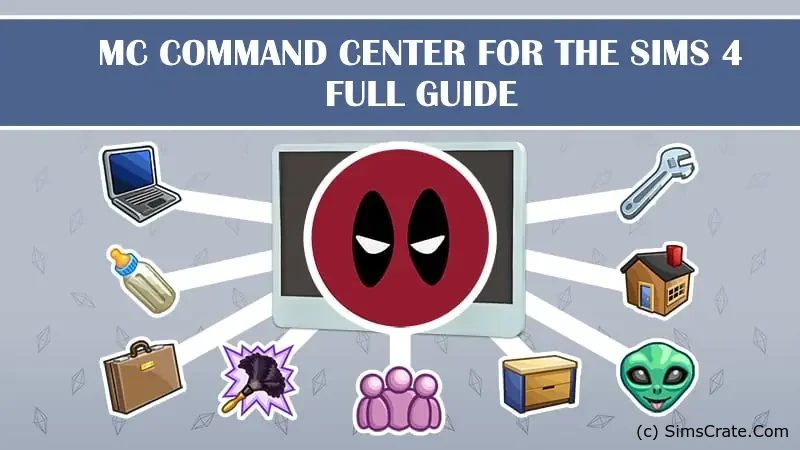
MC Command Center is split into modules. The core file is required, but some extra modules are optional. This makes the mod easier to customise because you can keep only the features you actually want.
MC Command Center is the main module. It is required because the other parts depend on it.
MC Population controls homeless Sims, townies, move-ins, and how the game fills the world with NPCs. This is useful if your save gets too many random Sims or if you want better control over who appears.
MC Pregnancy is one of the most important modules for story progression. It controls NPC pregnancy, marriage, family growth, and similar background systems. If you want the world to keep moving while you play your main household, this module matters a lot.
MC CAS gives more control over Create-a-Sim related settings. It can help with body ranges and some appearance rules for generated Sims.
MC Dresser helps with outfits. This is the module players use when they are tired of townies wearing random CC, strange accessories, broken shoes, or ugly combinations. It can be very powerful, but it needs some setup.
MC Cleaner handles cleanup tasks. It can help keep your save cleaner by removing or fixing things in the background.
MC Career changes career, school, and homework-related settings. This can be useful if you want school or work to feel less annoying.
MC Occult is for supernatural saves. It gives extra control over aliens, vampires, mermaids, spellcasters, werewolves, and occult pregnancy settings.
MC Woohoo is a separate optional module from the same creator. It adds more romance, woohoo, and pregnancy options. You do not need it for basic MCCC, but some players install it because they want deeper relationship settings.
Best Settings to Check First
MCCC has a lot of menus, so it can look scary at first. But most players only need a few settings in the beginning.
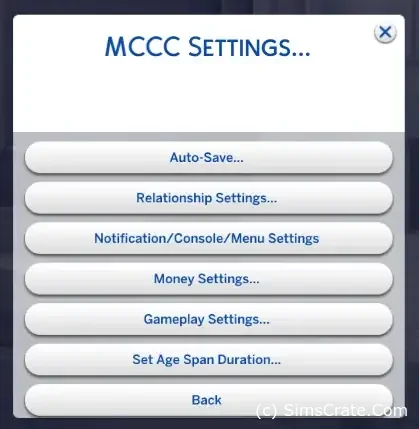
Auto-save is one of the first things worth setting up. It can save you from losing progress if the game crashes or freezes.
Story progression is another big one. With the right settings, NPC Sims can get married, have babies, and continue their lives without you controlling every household manually.
MC Dresser is good if you use a lot of CC. It can help stop townies from appearing in ridiculous outfits, but you may need to spend some time setting your rules.
Household size is useful if you want more than 8 Sims in one household. Just remember that managing very large families can make the game harder to play.
Pregnancy settings are important if you want to control how often NPC families grow. You can make the world more active or keep it calmer, depending on your save style.
How to Install MC Command Center
Download the latest version of MC Command Center and unzip the file. Inside, you will see .package and .ts4script files. The most important file is mc_cmd_center.ts4script. Do not remove it.
Put the files here:
Documents > Electronic Arts > The Sims 4 > Mods > MCCC
The MCCC folder should be only one folder deep inside Mods. This is correct:
Mods > MCCC
This is not recommended:
Mods > Script Mods > MCCC
The Sims 4 can only read script files one folder deep, so placing MCCC too deep can stop it from working.
After installing, open the game and go to:
- Game Options
- Other
- Enable Custom Content and Mods
- Enable Script Mods Allowed
Restart the game after this. If the mod is installed correctly, the MC Command Center menu should appear when you click on a computer or Sim.
How to Update MCCC Without Losing Settings
MCCC should be updated after major Sims 4 patches. Script mods can break when the game updates, so using an old version is one of the most common reasons for errors.
To update the mod, remove the old MCCC package and script files first. Then add the new files from the latest version.
You usually do not need to delete your personal configuration files if you want to keep your settings. Files like mc_settings.cfg, mc_tuner.cfg, and mc_dresser.cfg can normally stay in the folder.
Common Problems and Fixes
MCCC does not show in the game.
Check if script mods are enabled. Also check the folder path. The files should not be buried too deep inside the Mods folder.
Some MCCC options are missing.
You may not have the module needed for that feature. For example, some romance and pregnancy options need MC Woohoo.
The game shows Last Exception errors.
Update MCCC first. If the error continues, check your other mods. MCCC can report errors, but that does not always mean MCCC is the cause.
NPCs are having too many babies.
Open MC Pregnancy settings and lower the pregnancy chances. You can make background family growth slower or almost stop it completely.
Townies still wear strange outfits.
MC Dresser needs rules before it can properly clean outfits. The module is strong, but it is not magic out of the box.
Does MCCC Need DLC or Extra Libraries?
MC Command Center does not need XML Injector, Lot 51 Core Library, Mood Pack, or any other extra library. It is a standalone script mod.
You also do not need every expansion pack. The main mod can work with the base game. Some settings only matter if you own certain packs, like occult settings for vampires, werewolves, spellcasters, aliens, or mermaids.
MC Woohoo is optional. It is not required for the main mod, but it adds extra romance and pregnancy options for players who want that part of the game to be deeper.
Is MC Command Center Worth It?
MC Command Center is worth installing if you want more control over The Sims 4. It is useful for almost every type of player: legacy saves, realistic families, big worlds, storytelling, CAS cleanup, challenges, or just normal everyday play.
The mod can look complicated at first, but you do not need to use every feature. Even a simple setup with auto-save, cleaner settings, and NPC story progression can make a big difference.
For many players, MCCC becomes less like a normal mod and more like a main tool for managing the game. Once you understand where the menus are, it makes The Sims 4 feel more flexible, more alive, and much easier to control.
Available Files
Need help? Read our Sims 4 mod installation guide.
How to Install Sims 4 Mods & CC
- Download the file.
- Unzip the archive if needed.
- Move .package or .ts4script files to Documents/Electronic Arts/The Sims 4/Mods.
- Enable Custom Content and Script Mods in the game settings.
- Restart the game.


Comments