



Road to Fame Mod
Road to Fame by Sacrificial turns celebrity life into a full gameplay path in The Sims 4. Your Sim can grow a following on Simstagram, book modeling shoots, land acting roles, record songs or battle rival crews as a street dancer, and every path has its own skill, interactions and income.
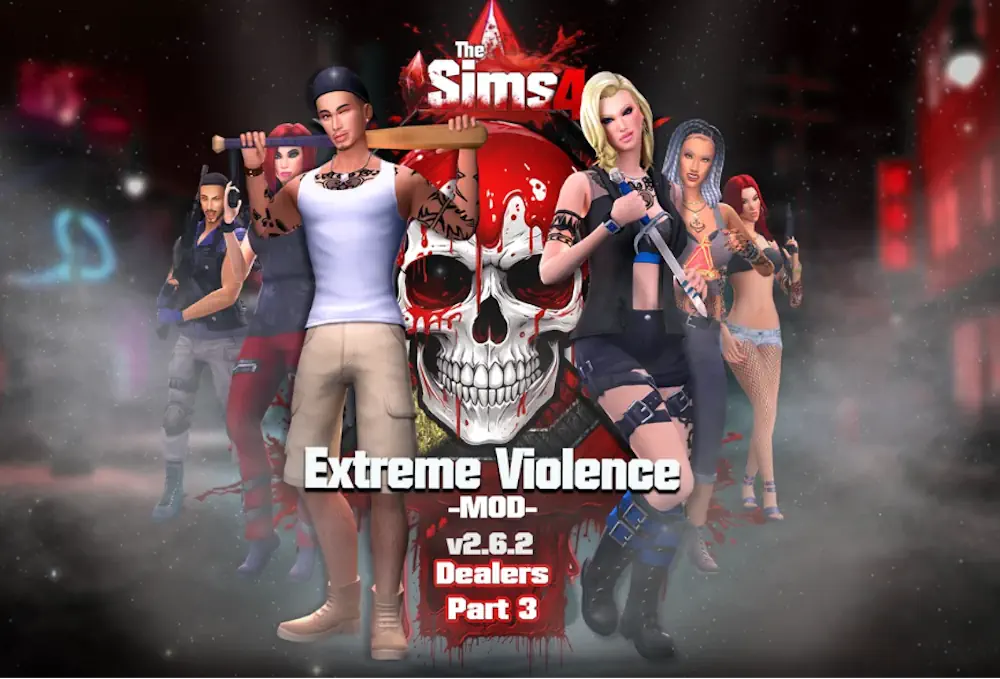
The mod runs on the base game with no extra library. Professional Singing uses City Living objects, and the Celebrity Trailer reward needs Get Together. If you also play with Extreme Violence, some fame events react to it, but that link is optional.
Life as a Celebrity
As your Sim climbs the fame levels, the world starts to notice. Fans ask for selfies and autographs, paparazzi follow your star around public lots, and brands send products to promote. You can hire a bodyguard to keep the crowd back, a personal assistant for errands and a makeup artist before a big shoot. Meet & Greet events and concerts give your Sim a reason to face the crowd on purpose.
From fame level 3, obsessed fans may start following your Sim everywhere, which keeps things messy in a fun way. You still have control: lot traits like No Fans Allowed and No Paparazzi Allowed, special door locks and a Celebrity Hangout trait decide where attention starts and stops. There is also a dark-humor trap object, the Pit of Death, for getting rid of annoying townies, so skip it if you prefer lighter saves.
Main Features
- Simstagram – post content, answer comments and grow your followers
- Modeling – photoshoots, poses, magazine work and keeping in shape
- Acting – film shoots with a camera crew on set
- Professional Singing – write, record and release songs, then perform live (City Living)
- Street Dancing – dance squads, StreetTok videos and competitions against a rival crew
If you want fame to feel like a real storyline instead of a star meter, Road to Fame is one of the biggest gameplay mods you can add.
Available Files
Need help? Read our Sims 4 mod installation guide.
How to Install Sims 4 Mods & CC
- Download the file.
- Unzip the archive if needed.
- Move .package or .ts4script files to Documents/Electronic Arts/The Sims 4/Mods.
- Enable Custom Content and Script Mods in the game settings.
- Restart the game.


Comments