
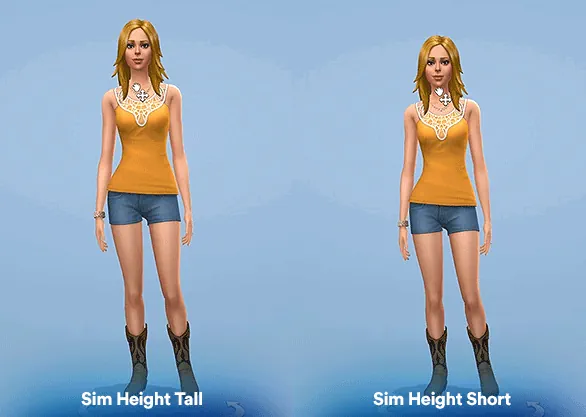

Sim Height Slider
Sim Height Slider is a useful CAS mod for players who want Sims to look less identical in body proportions. With this slider, you can make a Sim shorter or taller directly in Create a Sim, instead of keeping everyone at the same default height.
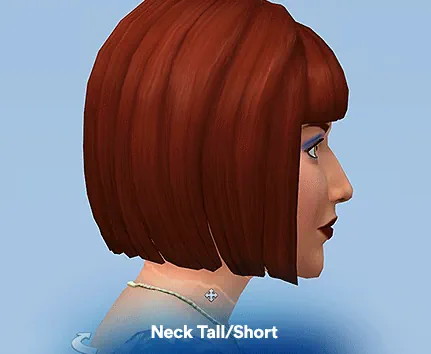
To use it, go into CAS and drag the neck area up or down in front view. The change is simple, but it can make families, couples, teens, adults, and story characters feel more natural.
Height Options Without Manual Editing
If you do not want to adjust every Sim by hand, the mod also includes four body presets: Short, Medium Short, Medium Tall, and Tall. These can be found in the Bodies section.
Just remember that different Sim heights can cause clipping in animations, especially hugs, kisses, poses, or interactions. The creator also notes that hands or feet may sometimes disappear while adjusting height, but restarting the game can temporarily fix it.
Available Files
Need help? Read our Sims 4 mod installation guide.
How to Install Sims 4 Mods & CC
- Download the file.
- Unzip the archive if needed.
- Move .package or .ts4script files to Documents/Electronic Arts/The Sims 4/Mods.
- Enable Custom Content and Script Mods in the game settings.
- Restart the game.
Comments