
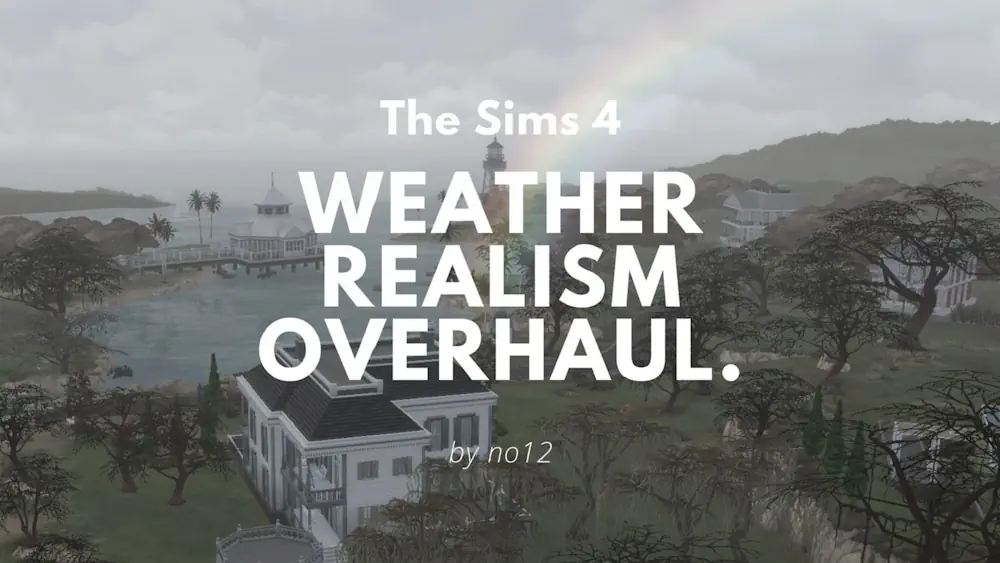

Weather Realism Overhaul
Weather Realism Overhaul makes everyday weather in The Sims 4 feel less scripted. A sunny forecast does not always stay sunny, and a rainy day may turn into simple clouds instead of constant rain. This creates more natural changes during the day and makes checking the forecast more useful.
The mod also updates weather names and adds more variety. Your Sims can see forecasts such as showers, warm fog, different rain levels, and daytime temperatures before leaving home.
Less Predictable Forecasts for Your Sims
In the normal game, weather usually follows the forecast exactly. With this mod, the forecast is more like a real prediction - it gives you an idea of what may happen, but conditions can still change.
That means a planned picnic might need an umbrella, while a dull morning can become a warm afternoon. These small surprises work especially well for family stories, outdoor activities, and longer saves.
Different Climate in Every World
Weather Realism Overhaul also changes the climate of Sims 4 worlds to better match real places. Oasis Springs stays dry and hot, while worlds such as Windenburg, Henford-on-Bagley, and Mt. Komorebi get weather that feels closer to their real-life inspiration.
Cloud cover, weather transitions, puddle formation, and lightning settings are adjusted too, so rain and storms look less repetitive. The mod can conflict with other files that change weather events, forecasts, lightning, or general weather tuning, so it is best to use only one main weather overhaul in your Mods folder.
Weather Realism Overhaul needs The Sims 4 Seasons. Read the included documentation before installing it, especially when using other weather-related mods.
Available Files
Need help? Read our Sims 4 mod installation guide.
How to Install Sims 4 Mods & CC
- Download the file.
- Unzip the archive if needed.
- Move .package or .ts4script files to Documents/Electronic Arts/The Sims 4/Mods.
- Enable Custom Content and Script Mods in the game settings.
- Restart the game.





Comments