


Education Overhaul Mod
Education Overhaul by adeepindigo expands school life in The Sims 4 with more options for toddlers, children, teens, and even adult Sims working in education. Instead of sending younger Sims to the same basic school every day, the mod adds new school types, assignments, events, and different ways to study.
It is a good choice for family and legacy saves because school becomes a bigger part of everyday gameplay without needing a completely separate active-school system.
More School Options and Better Student Life
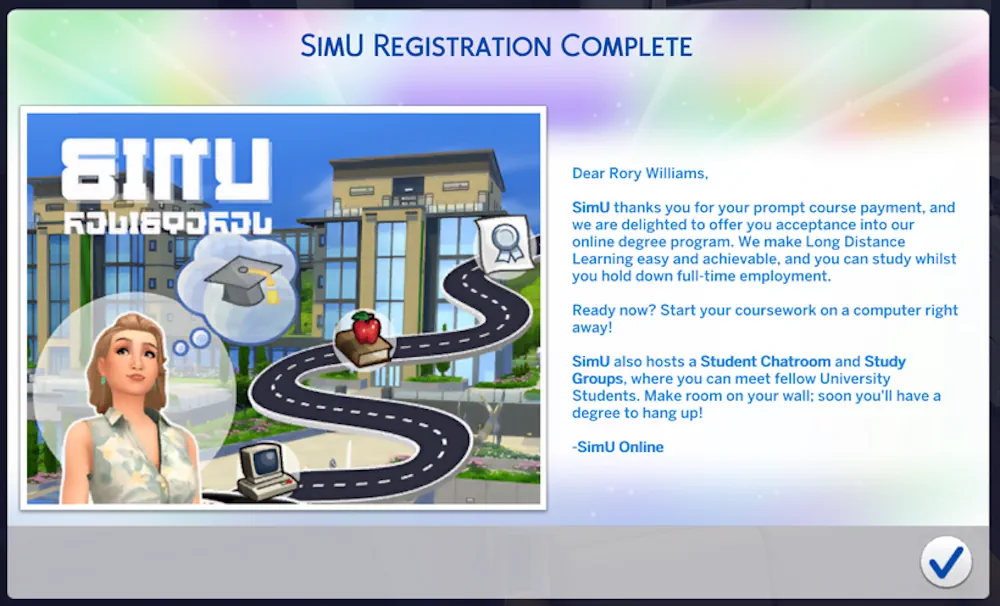
Toddlers can attend preschool during the week, where they build skills and have their needs handled while they are away. Children and teens get more school choices, including private, alternative, virtual, boarding, and occult schools.
The mod also adds extra homework options, projects, field trips, detention, school events, breaks, snow days, and other changes that make the school week feel less repetitive.
Some modules are optional, so you can keep the parts that fit your save and leave out the ones you do not need.
Education Career and Modular Setup
Education Overhaul also reworks the Education career and adds a K-12 Educator branch. Some career features require Discover University, while High School Years is only needed for files marked for that pack.
The core mod is Base Game compatible, and the download is modular. Install the required core files first, then add only the extra modules you want.
The creator recommends removing older versions before updating and clearing the game cache after changes. Do not install pack-specific modules if you do not own the required pack.
Education Overhaul is a large but flexible mod for players who want school, homework, and student life to matter more in long-term Sims 4 saves.
Available Files
Need help? Read our Sims 4 mod installation guide.
How to Install Sims 4 Mods & CC
- Download the file.
- Unzip the archive if needed.
- Move .package or .ts4script files to Documents/Electronic Arts/The Sims 4/Mods.
- Enable Custom Content and Script Mods in the game settings.
- Restart the game.


Comments