
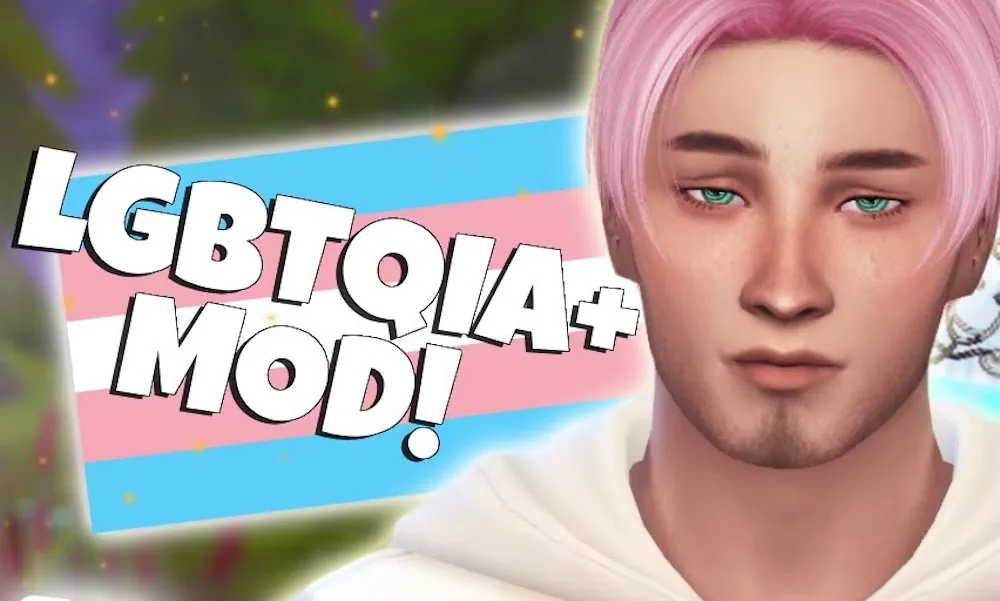

LGBTQIA+ / Gender & Orientation Overhaul
LGBTQIA+ / Gender & Orientation Overhaul by Lumpinou expands how gender identity, romantic orientation, and sexual orientation work in The Sims 4. The mod separates a Sim’s CAS body setting from their identity, so the two do not have to match. It also adds gameplay around affirmation, self-discovery, and coming out.
Most systems are optional. You can turn features on or off and adjust how strongly they affect relationships and social interactions.
Identity and Affirmation
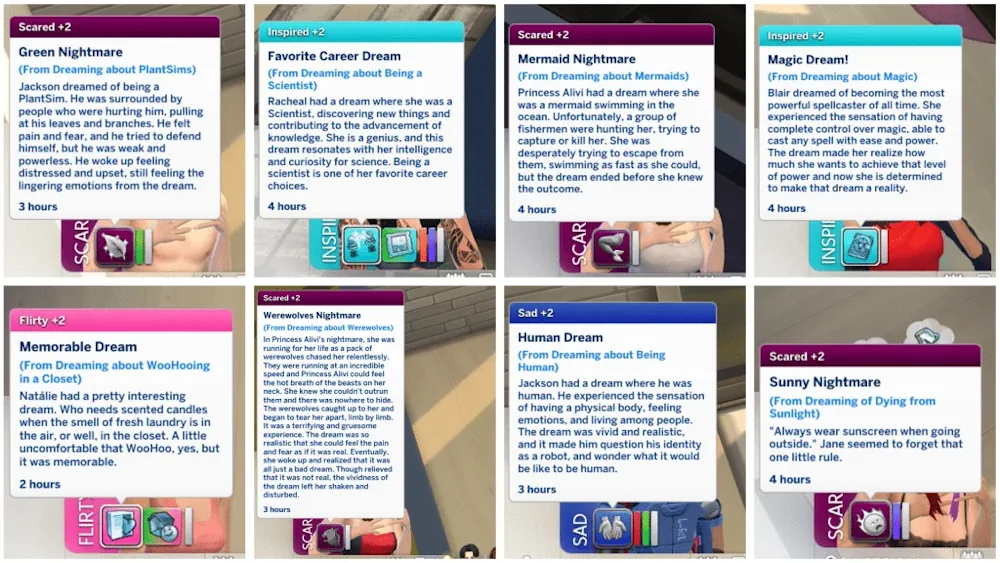
Sims can be assigned identities such as questioning, cisgender, transgender, non-binary, agender, or genderfluid. These are not only labels. The mod includes interactions and moodlets connected to affirmation and transition steps. Sims can change name, pronouns, or other details through gameplay instead of only through Create a Sim.
There are also optional self-discovery systems. A Sim can have an unexpected crush or other events that lead them to question or update their identity or orientation over time.
Orientations and Relationships
Romantic orientation and sexual orientation are handled separately. Sims can be set as allo, grey, demi, or asexual/aromantic, and they can prefer masculine, feminine, both, or neither. Attraction can look at identity rather than only the CAS body setting. Ace and aro Sims can be set as favorable, indifferent, or averse to romance or woohoo.
The mod adds queerplatonic relationships and options for romance-free woohoo in certain cases. A coming-out system lets Sims tell family or partners about their identity or orientation, with reactions you can control in the settings.
An optional lot trait creates hangout spaces for LGBTQIA+ Sims and allies. Auto-assign can give identities and orientations to new Sims, or you can leave that off and set everything manually. The mod is highly flexible and works alongside most other relationship mods when kept updated.
Available Files
Need help? Read our Sims 4 mod installation guide.
How to Install Sims 4 Mods & CC
- Download the file.
- Unzip the archive if needed.
- Move .package or .ts4script files to Documents/Electronic Arts/The Sims 4/Mods.
- Enable Custom Content and Script Mods in the game settings.
- Restart the game.


Comments