
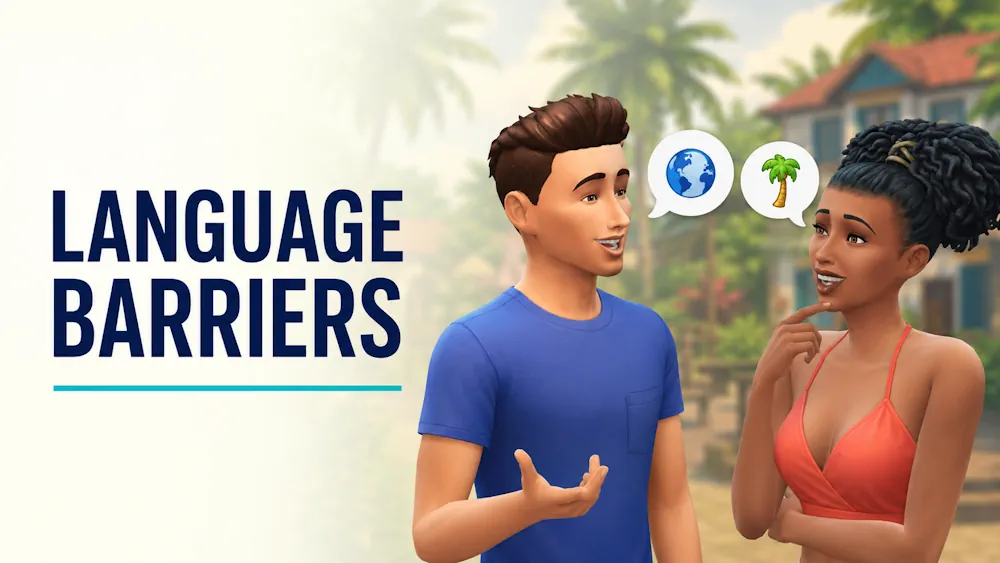


Language Barriers Mod
A conversation in The Sims 4 normally works the same way no matter where either Sim comes from. Language Barriers by Frankk changes this by giving Sims native languages and limiting communication when two people cannot understand each other.
A friendly introduction can become awkward, a joke may cause confusion, and a simple chat can end with embarrassed, tense, or angry moodlets. Learning the other Sim’s language gradually removes these problems.
Every world no longer sounds the same
Native languages are assigned according to a Sim’s home world, traits, and occult type. The system includes Simlish alongside regional and special languages such as Komorebigo, Selvadoradian, Sixami, Toki Sulani, and Windenburgish.
Children and older Sims receive native language traits automatically. Toddlers develop languages through exposure and gain their native language when they age into children. This allows multilingual families to pass more than one language to the next generation.
Learning to understand each other
Every second language works as a skill. Sims can improve it in several ways:
- study with the Simlingo phone or computer application;
- read a language textbook;
- practice by speaking with a fluent Sim;
- learn naturally through regular social contact.
At a low skill level, only basic communication is reliable. More social interactions unlock as fluency improves. This makes friendships between Sims from different worlds take longer to build, but it also gives travel, school, and multicultural families more purpose.
When words go wrong
Sims who do not share a language may misunderstand, confuse, or accidentally insult each other. Continuing the conversation can make the negative moodlet stronger. Nonverbal actions and important interactions remain available, so the system does not completely block relationships.
The language rules can be customized, and individual barriers may be disabled between selected Sims through the Languages menu. This is useful when a particular relationship should not be affected or when another installed mod adds interactions that do not work well with language restrictions.
Adding the mod to your save
Language Barriers works with the base game, while additional worlds provide more regional variety. Remove any older copies before installing, especially when using the CurseForge application. Extract the download into the Mods folder, keep its included files together, and enable Script Mods in the game settings.
Available Files
Need help? Read our Sims 4 mod installation guide.
How to Install Sims 4 Mods & CC
- Download the file.
- Unzip the archive if needed.
- Move .package or .ts4script files to Documents/Electronic Arts/The Sims 4/Mods.
- Enable Custom Content and Script Mods in the game settings.
- Restart the game.


Comments