
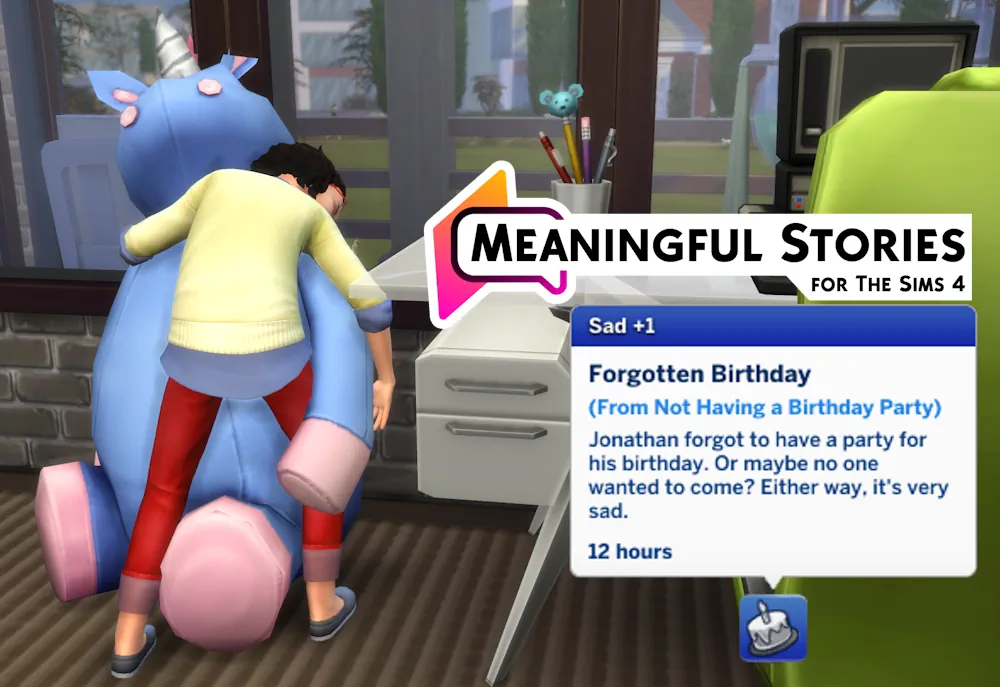


Meaningful Stories Mod
Meaningful Stories by roBurky changes how emotions work in The Sims 4. In the base game Sims switch moods quickly and often stay happy for no clear reason. This mod makes moods last longer, change more slowly, and feel more connected to what actually happens in a Sim’s life.
It is a popular realism mod for players who want their Sims to feel a bit more like real people. Most features can be turned on or off in the game.
What the Mod Changes
Meaningful Stories does not just add new moodlets. It changes the rules behind how moods work. Sims no longer jump from very sad to very happy in a few hours. They usually need several things to happen before their mood shifts in a big way. Small positive things also stop being enough to keep a Sim permanently happy.
True Happiness is one of the biggest changes. In the base game “Happy” is the default mood. With this mod the default is closer to “Fine”. Real happiness only appears after something meaningful happens, such as a good relationship moment, a promotion, or time spent with friends. When a Sim is truly happy, they get small bonuses to skills and career performance.
Emotional Inertia makes moods stick. Once a Sim feels sad, angry, or inspired, matching moodlets become stronger and last longer. It takes more effort to pull them out of that mood. This stops the constant mood flipping that happens in the vanilla game.
The mod also changes how the Uncomfortable mood works. Discomfort can push a Sim toward other negative moods more easily, but it does not force extreme intensity on its own. Some moodlets from traits now have random strength instead of always giving the same small bonus.
Main Features
- True Happiness — Happy is no longer the default. Real happiness is rarer and more meaningful.
- Emotional Inertia — Moods last longer and are harder to change quickly.
- Uncomfortable Overhaul — Discomfort affects other negative moods in a smarter way.
- Variable Moodlets — Some trait-based moodlets have random strength.
- In-game settings — Almost every feature can be adjusted or turned off.
You can open the settings by clicking on a Sim and looking for the roBurky menu. From there you can tweak mood strength and other options without restarting the game. The mod works well with most other gameplay mods and does not use heavy overrides, so conflicts are rare.
Available Files
Need help? Read our Sims 4 mod installation guide.
How to Install Sims 4 Mods & CC
- Download the file.
- Unzip the archive if needed.
- Move .package or .ts4script files to Documents/Electronic Arts/The Sims 4/Mods.
- Enable Custom Content and Script Mods in the game settings.
- Restart the game.




Comments