
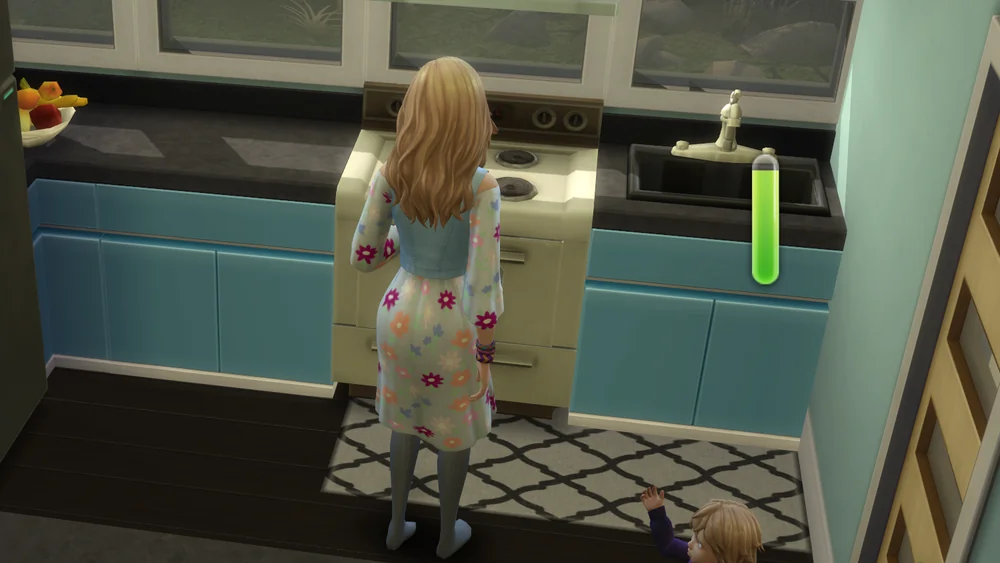


Live In Services
The regular nanny and maid in The Sims 4 come and go on a schedule. Live In Services by LittleMsSam lets them move in instead. You can hire up to two nannies, two maids, two gardeners and two ranch hands, and they stay on your lot around the clock.
It needs XML Injector. Add the Live In Services lot trait in Build mode first, or use the included Lot Challenge version if your trait slots are full, then hire staff from the phone under Household.
Hiring Your Staff
The phone menu lets you pick the exact Sim you want. Candidates must be homeless, without a career, not famous and not a vampire who can't handle the sun. Once hired, assign each worker a bed so they actually go to sleep at night. Ranch hands also need a feeder on the lot.
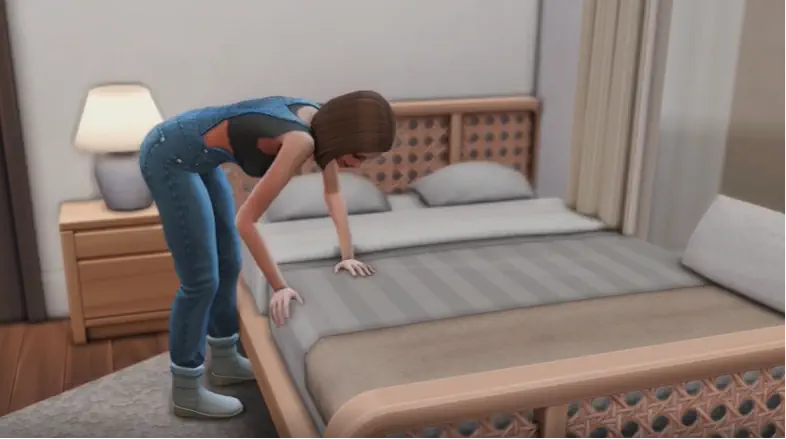
Each worker has their own pie menu with Give Tip, Plan Outfit and Go to Sleep, and maids and gardeners can rake leaves. If another lot has the same trait, such as a business or a holiday home, your staff follow you there.
In-Game Settings
- Locked needs – workers never get hungry or tired
- Bedtime – staff go to bed automatically after 11 pm
- No auto put away – maids and nannies leave your food and toys alone
- Plants and animals – maids or ranch hands can tend plants and look after Cottage Living coops and pens
An optional No Uniform file lets your staff wear their own clothes. The game still treats only its original nanny as a real nanny, so toddlers may be sent to daycare when everyone leaves. Pairing it with Better Nanny helps with that.
Live In Services is a simple way to run a big household, ranch or home business without doing every chore yourself.
Available Files
Need help? Read our Sims 4 mod installation guide.
How to Install Sims 4 Mods & CC
- Download the file.
- Unzip the archive if needed.
- Move .package or .ts4script files to Documents/Electronic Arts/The Sims 4/Mods.
- Enable Custom Content and Script Mods in the game settings.
- Restart the game.



Comments