


Better BuildBuy Mod
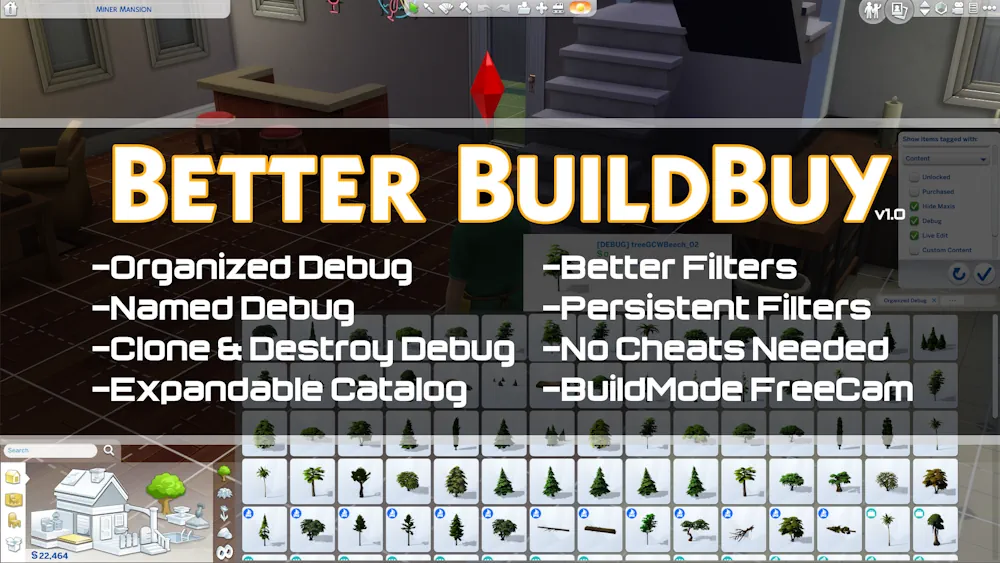
Better BuildBuy by TwistedMexi improves Build and Buy Mode in The Sims 4 without changing the basic building system. It gives builders a cleaner catalog, better filters, and easier access to hidden objects that are normally difficult to browse.
The mod is especially useful if you build often, use debug items, or own many packs. Small changes to the catalog can save a lot of time when you are decorating large lots or searching for one specific object.
Organized Debug and Better Catalog Tools
One of the main features is Organized Debug. Debug and Live Edit objects become easier to find because they are sorted more clearly instead of appearing as a long list of unnamed items.
Better BuildBuy also adds an expandable catalog, improved filters, and easier control over custom content. You can show or hide CC quickly and narrow the catalog by pack when you only want items from certain DLC. These tools make building faster without forcing you to learn a completely new interface.
Useful for Everyday Building
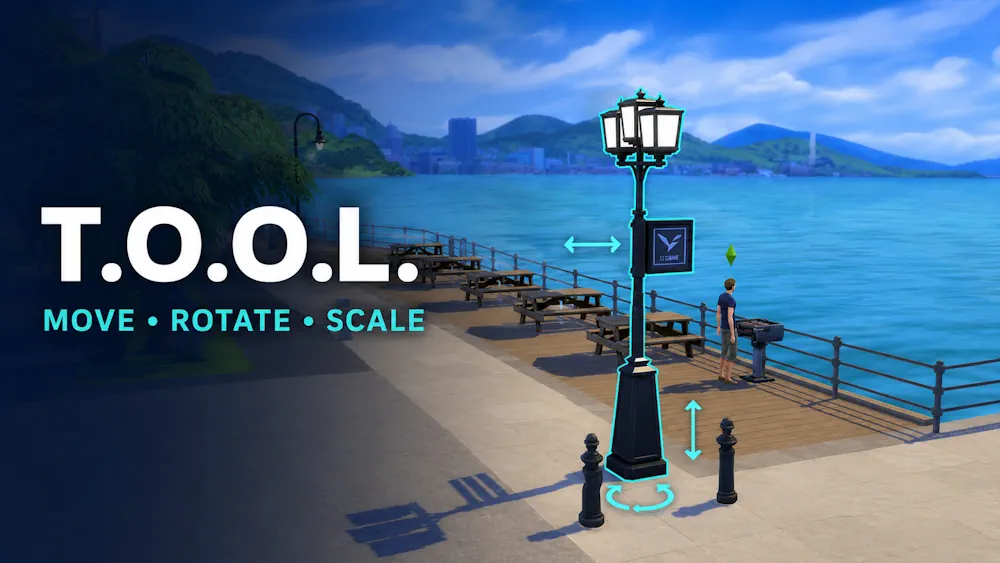
Better BuildBuy works well by itself, but it also pairs nicely with TwistedMexi's T.O.O.L. mod. If you use both, you get more control over object placement and advanced building while keeping the normal Build Mode workflow. Installation is important.
The Better BuildBuy folder should stay directly inside the Mods folder and should not be placed several folders deep. Remove older versions before updating, especially after major Sims 4 patches. If the catalog looks broken after an update, check the official mod page first before removing other files. For regular builders, Better BuildBuy is a practical upgrade that makes the catalog cleaner, hidden objects easier to use, and everyday building much less frustrating.
Available Files
Need help? Read our Sims 4 mod installation guide.
How to Install Sims 4 Mods & CC
- Download the file.
- Unzip the archive if needed.
- Move .package or .ts4script files to Documents/Electronic Arts/The Sims 4/Mods.
- Enable Custom Content and Script Mods in the game settings.
- Restart the game.

Comments