



Classic Renders Main Menu Override
Classic Renders Main Menu Override by vyxated is a UI mod for players who want the Sims 4 main menu to look a bit more classic and less modern. It changes the pack render visuals on the main menu, giving the screen a cleaner nostalgic style.
The idea is simple: instead of the usual main menu look, you can use classic-style renders for supported packs. The creator notes that the mod only supports packs where clean or transparent renders were available, so not every pack may be included.
You can install as many or as few of the files as you want. That makes it easy to choose only the pack renders you actually like, instead of changing everything at once.
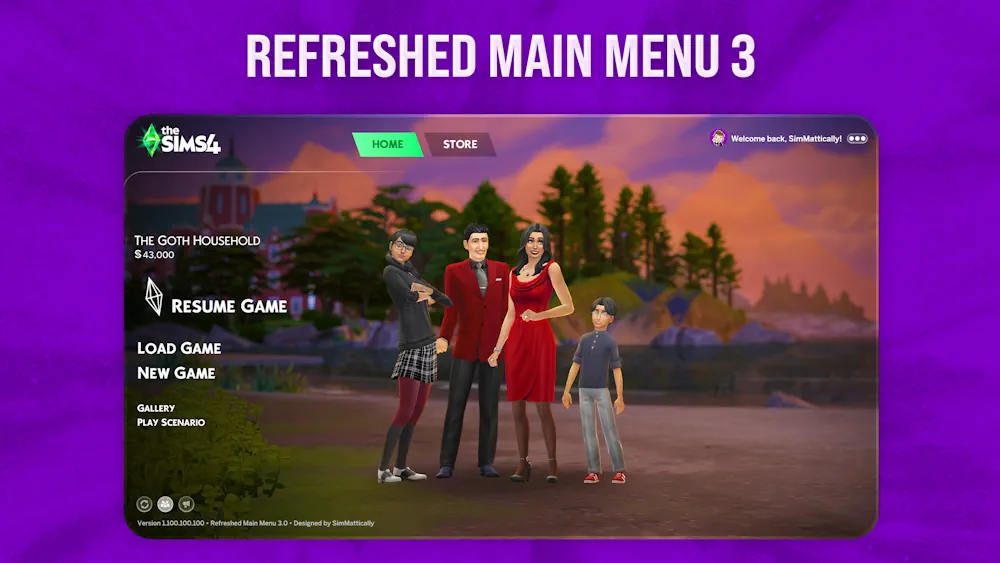
This mod requires Refreshed Main Menu 3 by SimMattically as the base file. Without that, the override will not work. The creator also recommends using Classic TS4 Logo for a more complete classic menu style.
It is a small visual mod, but it can make the game feel fresher if you often see the main menu and prefer an older Sims 4 vibe.
Available Files
Need help? Read our Sims 4 mod installation guide.
How to Install Sims 4 Mods & CC
- Download the file.
- Unzip the archive if needed.
- Move .package or .ts4script files to Documents/Electronic Arts/The Sims 4/Mods.
- Enable Custom Content and Script Mods in the game settings.
- Restart the game.



Comments